AMES Pilot Access
AMES is a field-first operations system for equipment-heavy construction teams.
It replaces the daily chaos of memory, texts, spreadsheets, and “ask Jim” with a clean record trail — equipment, maintenance, inventory, work, and documentation — all in one place.
The goal is simple: less downtime, fewer surprises, and higher accountability without slowing down experienced workers.
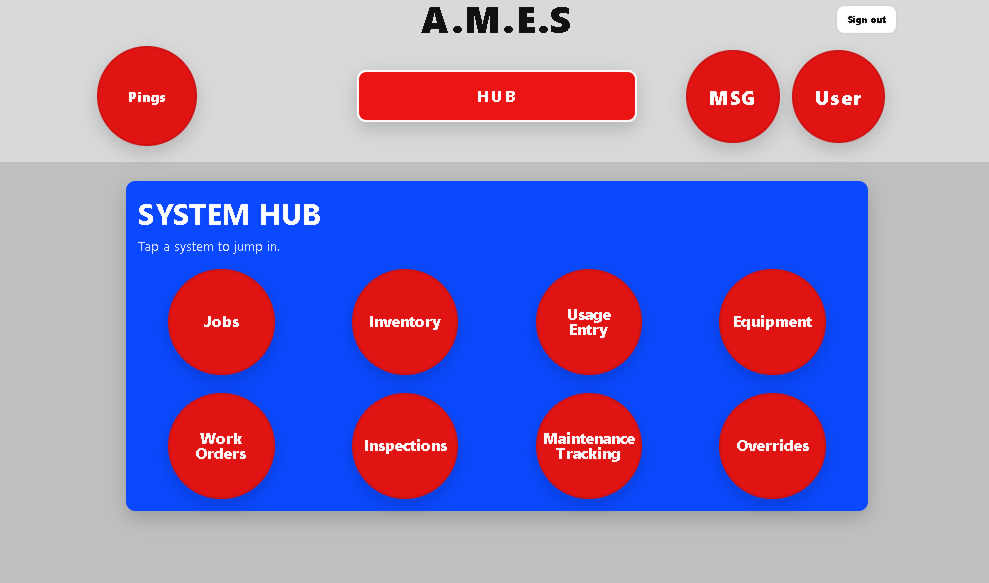
What AMES Helps With
AMES keeps records out of people’s heads and in one place everyone can see — so experienced workers don’t get slowed down and new hires don’t get lost.
Maintenance + equipment clarity
Track equipment status, keep maintenance from slipping through cracks, and see what’s due without digging through notes or texts.
Inventory + material usage on jobs
Track parts and materials, log usage on jobsites (by the people using it), and keep cost/usage history tied to the work.
Parts location + ordering history
Answer the daily questions fast: where is the part, did we order it, what showed up, and what’s still missing — with a record trail outside your workers’ heads.
It’s not magic. It just replaces chaos with clarity.
AMES is not something you have to fully roll out on day one. Start small, use what helps, and grow into it.
DoD-level maintenance discipline — without the bureaucracy
High-visibility maintenance programs work because they create an evidence trail, standard process, and fast answers. AMES brings that mindset to construction.
Evidence trail
Every action leaves a record: what happened, who logged it, when it happened, and what unit/job it was tied to.
Cost & downtime clarity
Parts usage and work history stay attached to equipment and jobs so you can answer: “where did the money go?” and “why are we always down?”
Standard process
Recurring maintenance, inspections, and work orders create repeatable habits — so critical work doesn’t rely on one person’s memory.
Core Systems Included (Current Build)
AMES is modular. You can start lightweight and expand as your team gets comfortable.
Equipment
- Track status: good / needs attention / down
- Store photos, parts books, and permanent notes
- Search by unit, name, or type
Maintenance Tracking
- Recurring items (hours / yards / miles / time)
- Maintenance list per equipment
- Clear “what’s due” visibility
Inspections
- Templates + inspection runs
- History stays attached to equipment
- Consistent evidence for follow‑up work
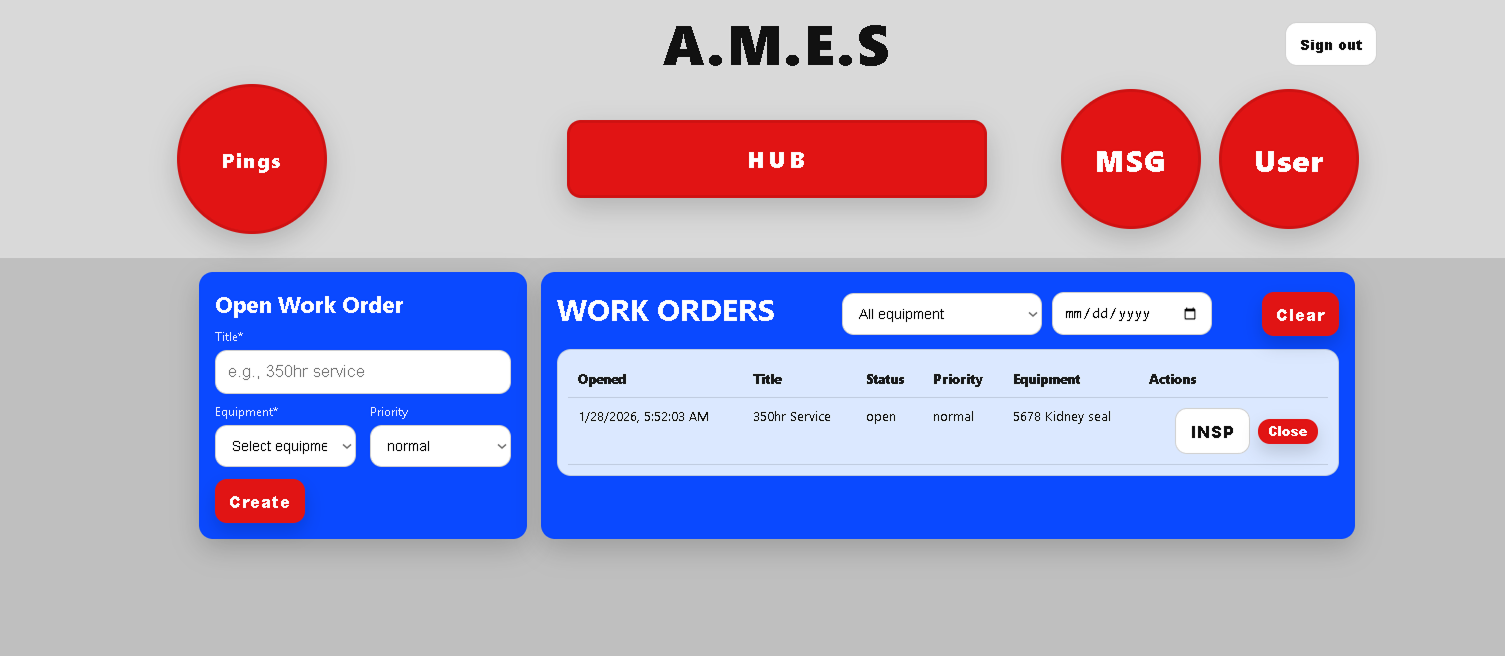
Work Orders
- Create, track, and close work
- Record what happened + why
- Attach notes and files
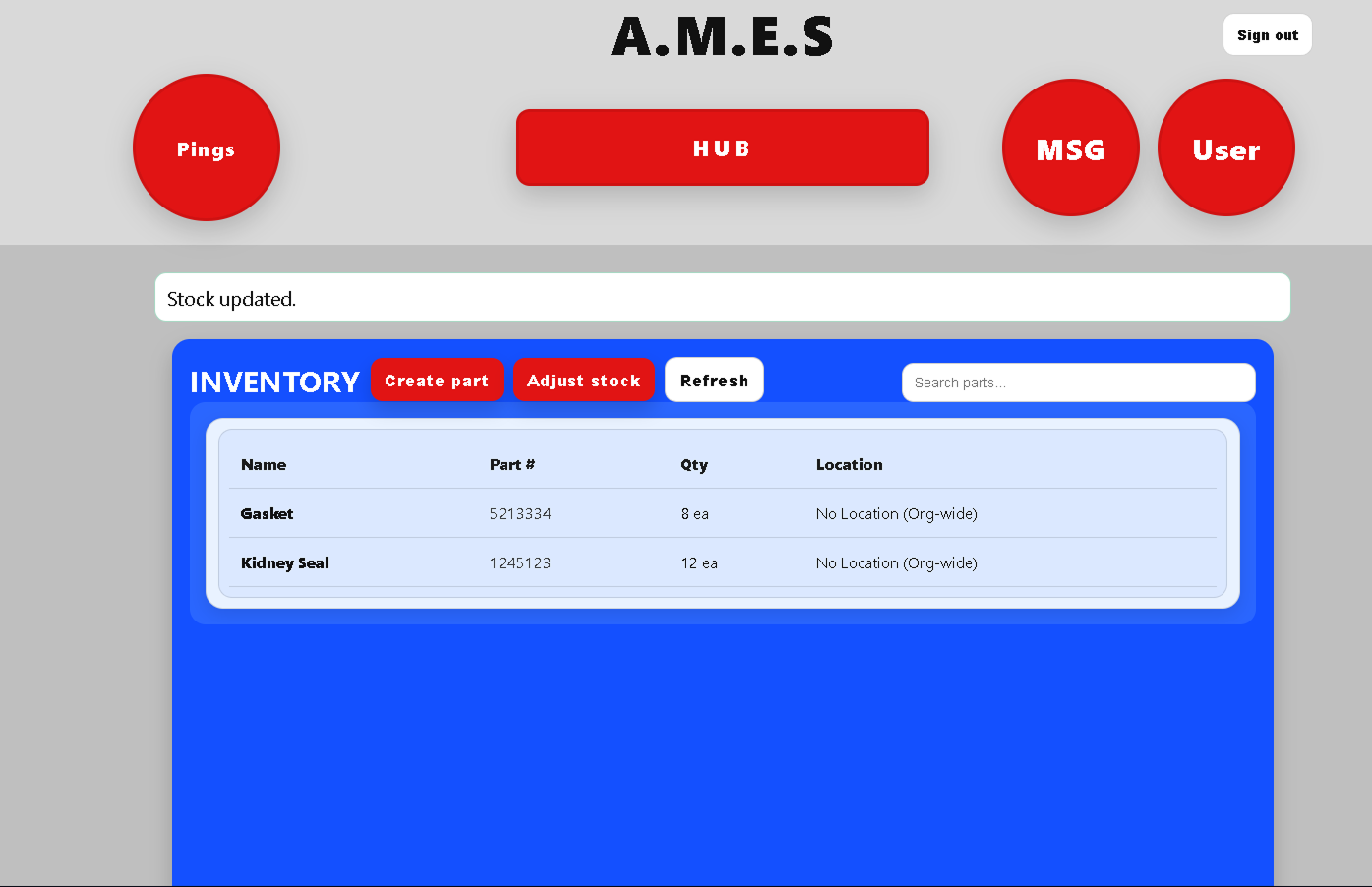
Inventory
- Track parts and consumables
- IN / OUT movement logs
- Optional reorder rules
Roles & Permissions
- Admin-controlled read / write / override
- User Settings + Notifications
- Designed for multi‑crew operations
Field-first additions that teams actually use
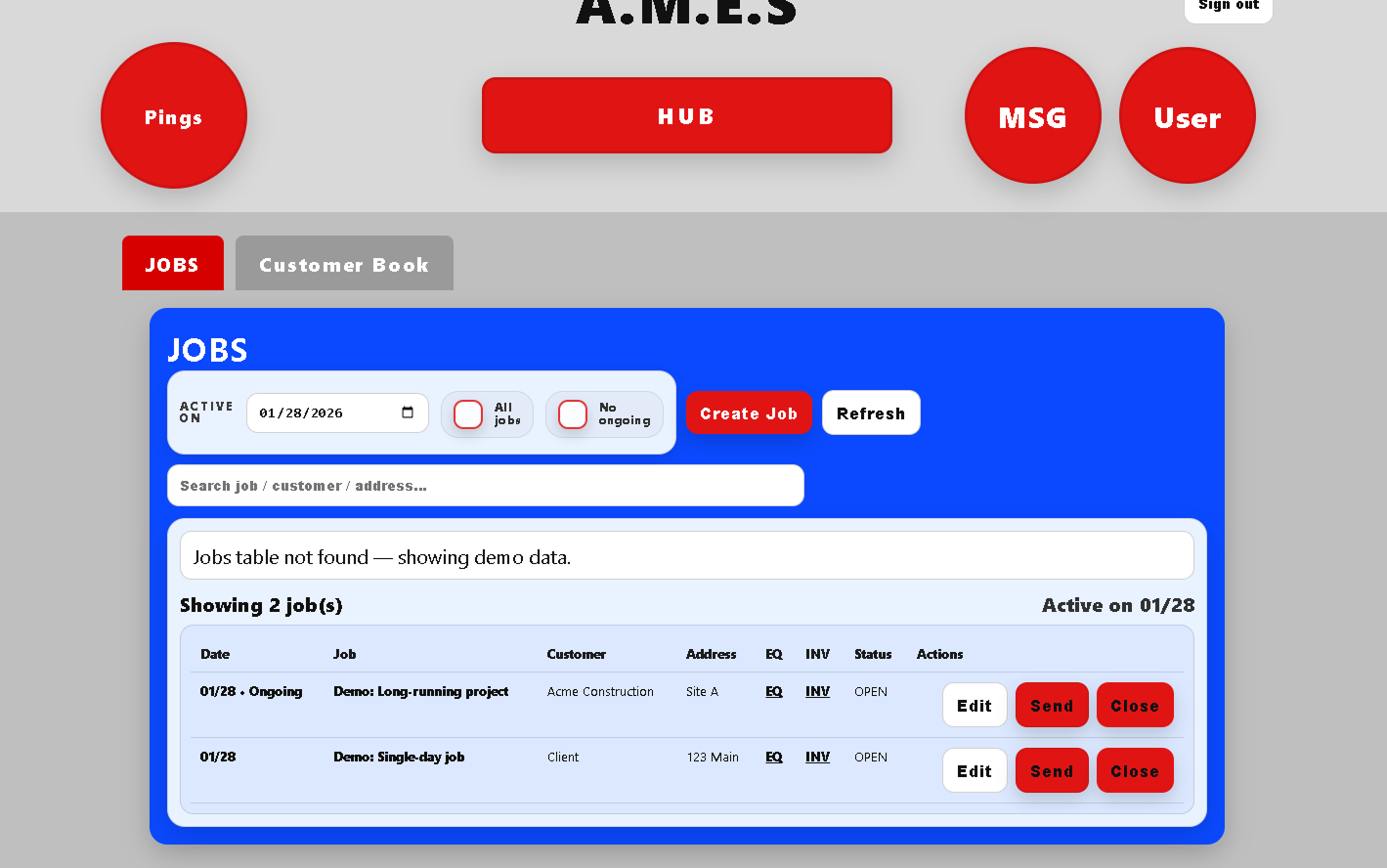
Jobs
- Create jobs fast (notes, status, attachments)
- Keep job history attached to the work
- Works with real multi-crew flow
Usage Entry
- Log hours / yards / miles without spreadsheets
- Update totals reliably (no “who entered what?”)
- Supports maintenance + reporting
Pings & Notifications
- Simple routing to the right people
- Built-in Notifications screen
- Designed for real ops escalation
What It Looks Like (Real Screens)
Screenshots from the current build. Clean, fast pages built for phone use in the field.
Free Trial / Early Access (Fast)
Get a free trial code
Want to see if this fits your operation? I’m offering free trials / early access to a small number of companies. If you’re serious, I’ll help you get set up quickly.
- You get a trial code + quick setup instructions.
- Create your admin account, invite 1–2 users, and add a few units.
- Use it on real work for a week, then decide.
Built for real operations
- Designed by field mechanics and operations managers
- No forced workflows — configure only what matches how you already work
- Scales from one yard to multi‑location fleets without rework
- Run it alongside your existing tools during the pilot
FAQ
Is this per company or per location?
Do I have to talk to you to buy?
How do employees join?
What data do you store?
Can we export data later?
Buy Pilot Access
Choose your pilot length (both offers are active). Pricing is per company.
Access is issued after we receive your payment receipt + location name + signed Pilot Terms (Pilot Subscription Agreement).
- Access Code + starter keys
- Setup guide + quick onboarding
- Direct feedback loop
- Access Code + starter keys
- Setup guide + quick onboarding
- Direct feedback loop
Paperwork (Docs/PDF)
Pilot agreement must be signed and emailed before a key is sent.